Templates for real niches
Thirty designs for marketing, business, self-help, health and workbooks, with every text, shape and colour editable.
The new version of InDigital Cover
Design the cover from a template, turn it into photo-real mockups of books, boxsets, magazines and workbooks, and download images that are ready for your sales page. It all runs locally in your browser, so there's nothing to install.
How it works
Start from one of 30 templates or a blank page, type your own title and name, and apply your logo, colours and fonts from your brand kit in one click.
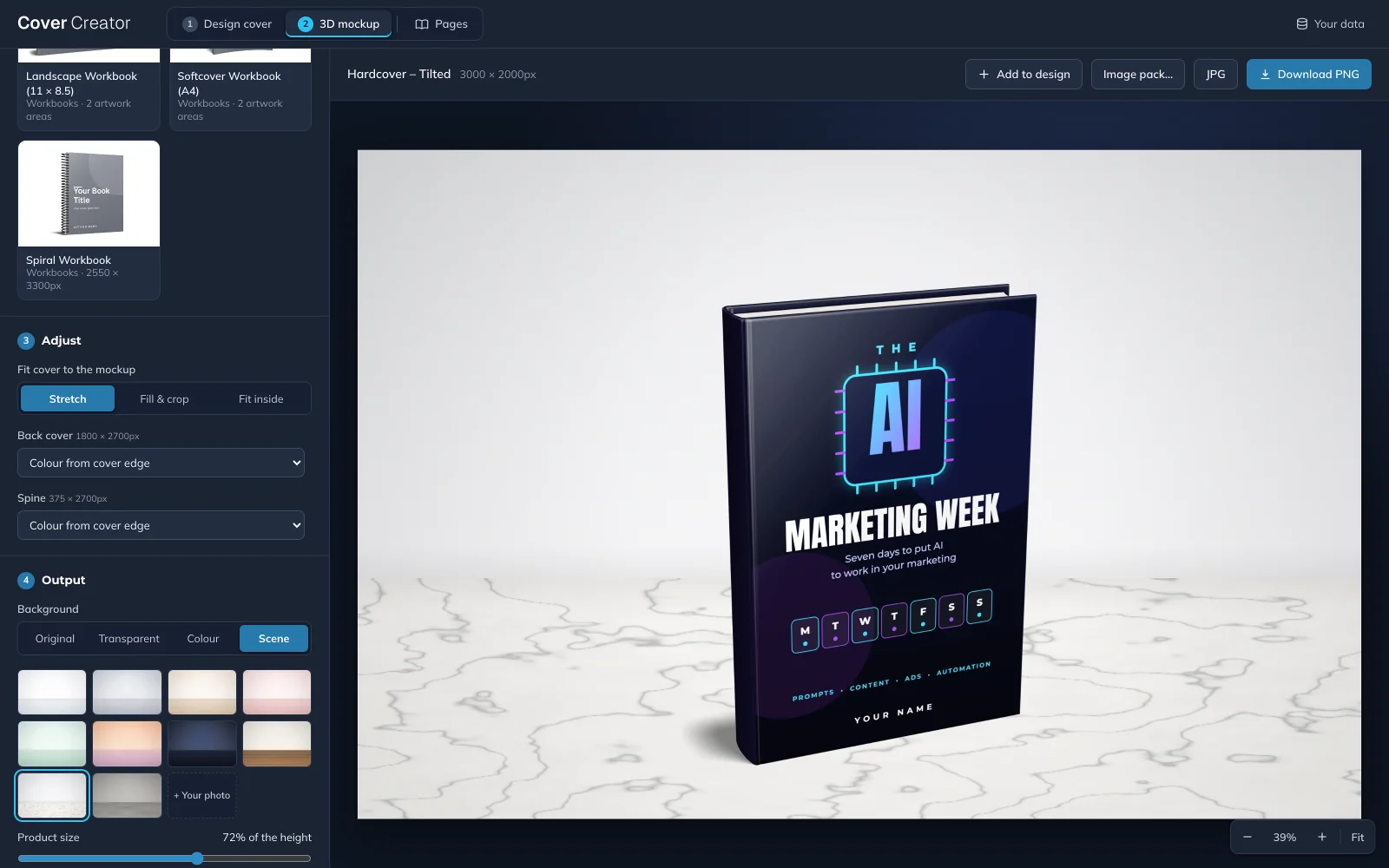
Send the design to the mockup tab and pick a hardcover, paperback, boxset, magazine or workbook, and your cover appears on it straight away.
Save a PNG or JPG on a transparent background, a colour or a studio scene, or download a ZIP with the sizes your shop and social posts need.
Try it here
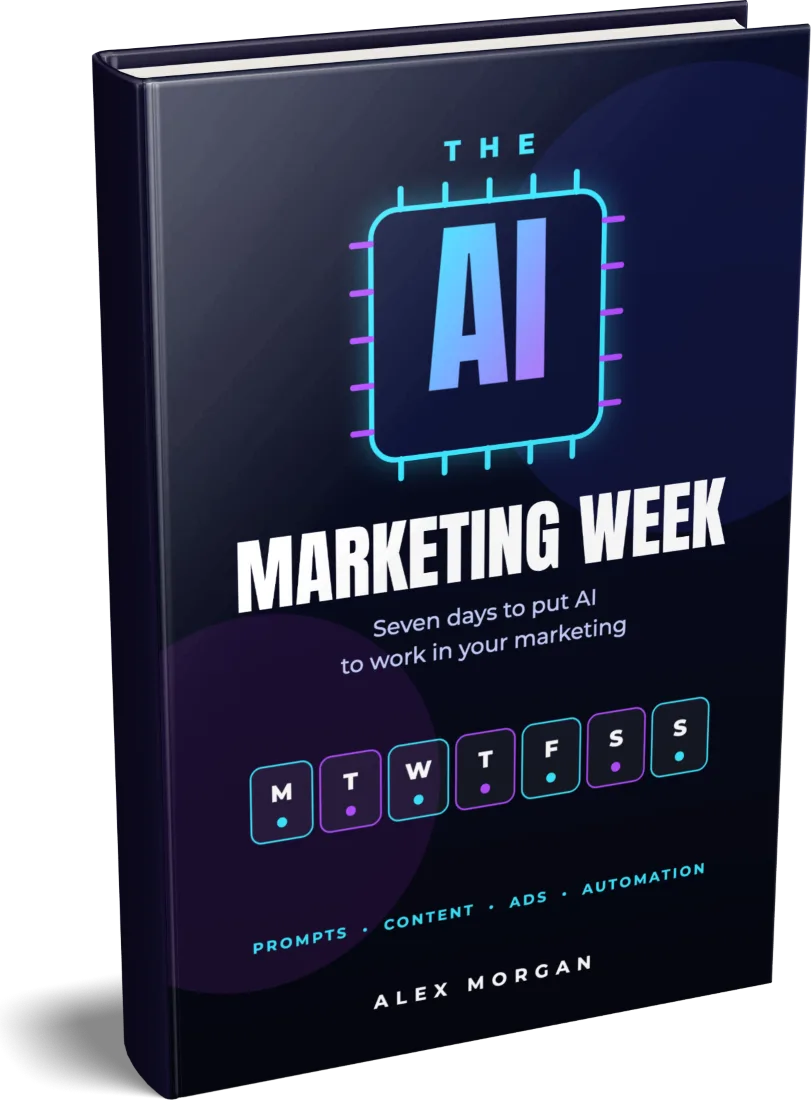
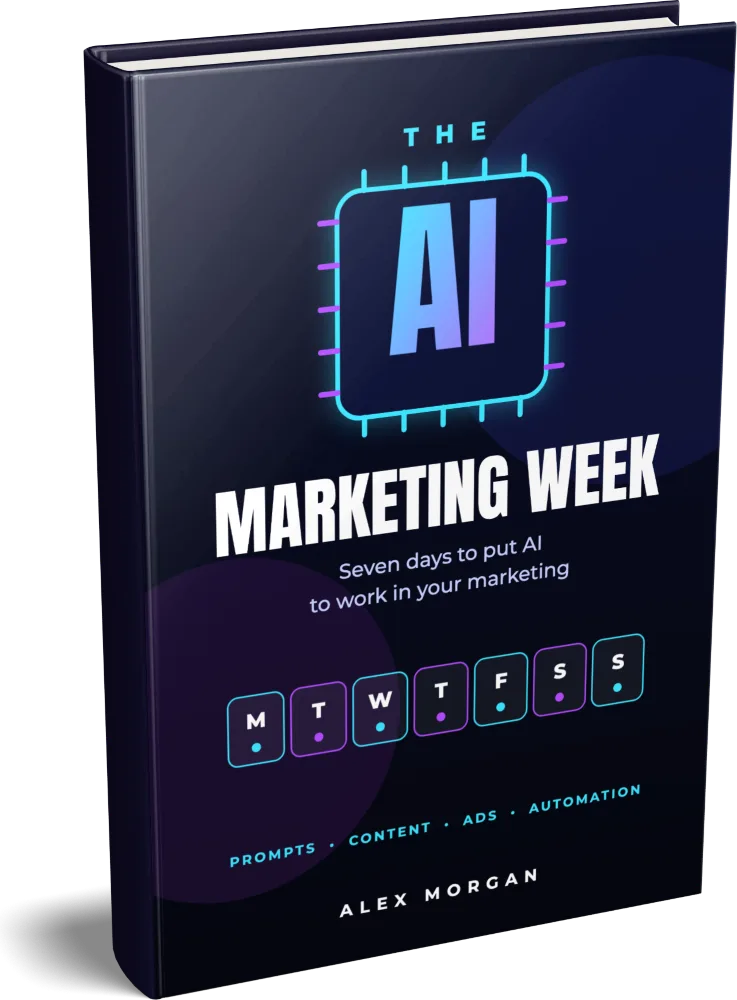
Pick a cover and a product below. These images come straight out of the app, and your own design is placed on the mockup in exactly the same way.
Features
Cover Creator was built for people who sell ebooks, courses and PLR products, so it covers the whole set of images a launch needs, from the cover itself to the promo posts.
Thirty designs for marketing, business, self-help, health and workbooks, with every text, shape and colour editable.
Save your name, colours, fonts and logo once and apply them to any template, so every cover in a series matches.
Add PLR, MRR and resell-rights seals, promo badges and icons, each one drawn in your own brand colour.
Place the product on wood, marble or a coloured studio backdrop, or export it on a transparent background for your own page.
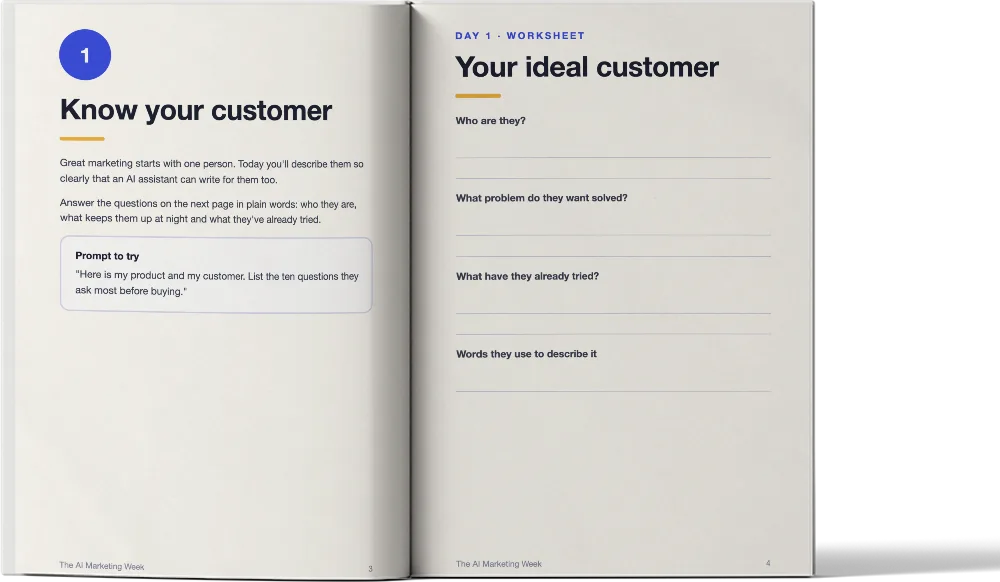
Import your PDF, click the pages you want to show and download open-book mockups of every spread in one go.
Turn a finished cover into Instagram posts and stories, Pinterest pins, Facebook ads and YouTube thumbnails in matching colours.
Make one cover for every row of a spreadsheet, which is the quickest way to design a whole series or a PLR pack.
Build a print-ready back, spine and front, sized from your trim size and page count, and download it as a PDF for Amazon KDP.
Download square, sales-page, portrait and widescreen versions of a mockup, plus transparent cut-outs, as a single ZIP.
Your designs are saved in your own browser and never uploaded, and a single .idw file moves a design to another computer.
Templates
3D mockups
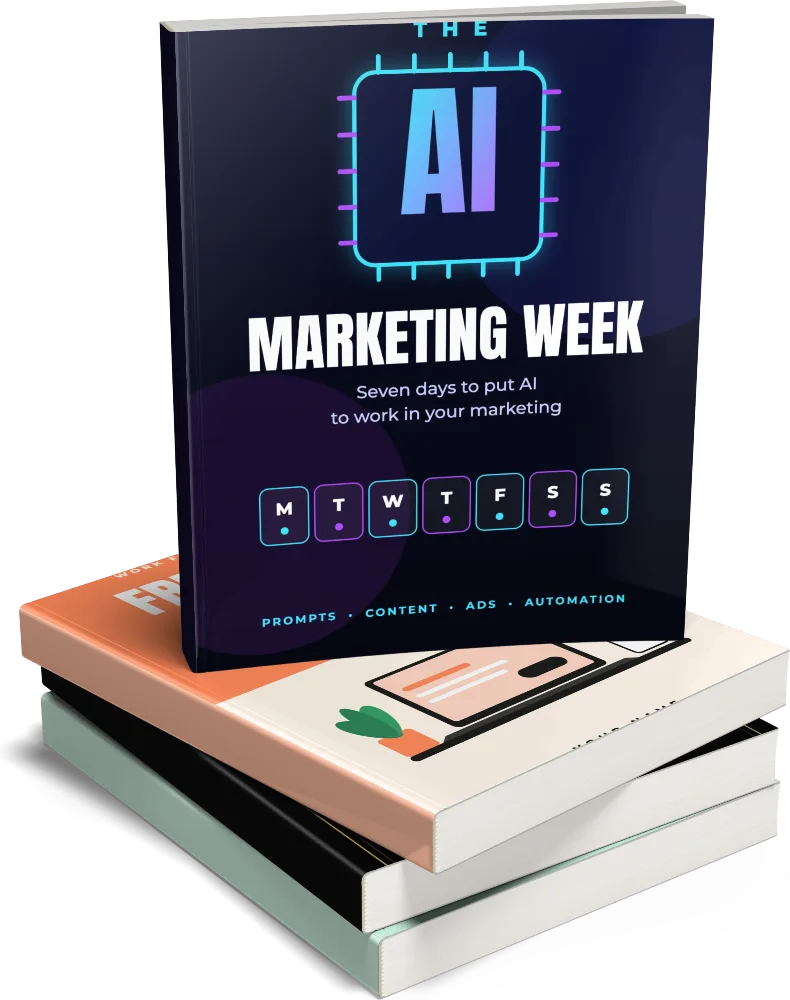
Hardcovers and paperbacks in several angles, boxsets and book bundles, magazines and workbooks, with more on the way.
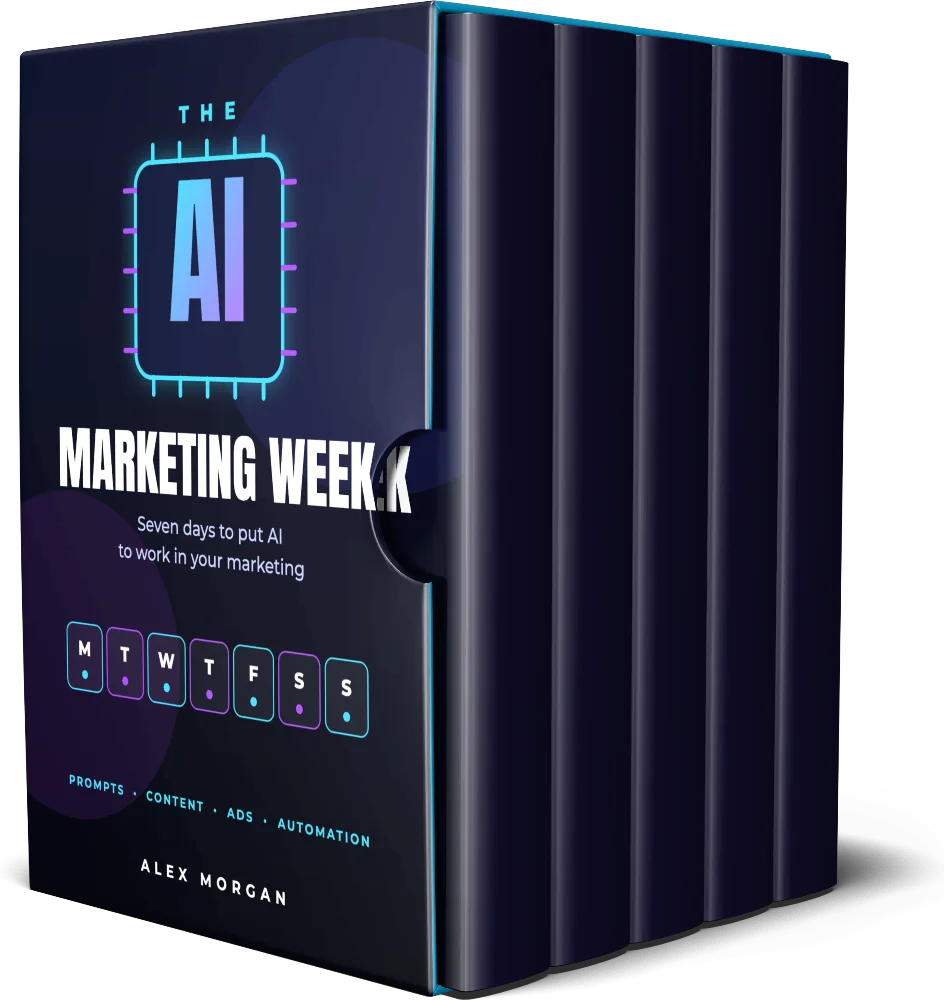
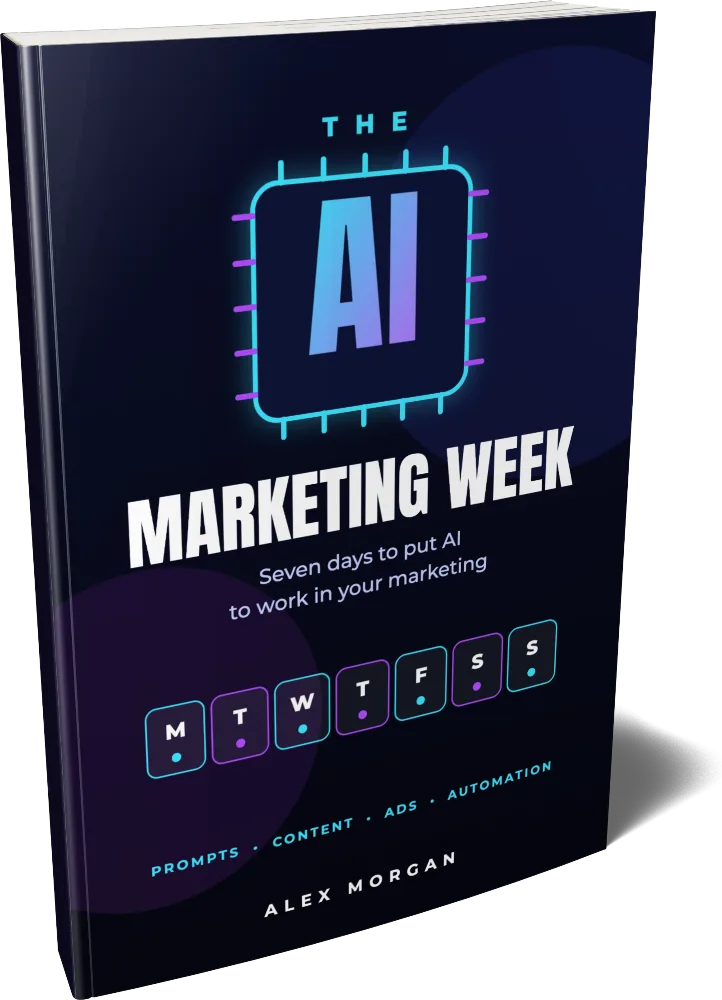
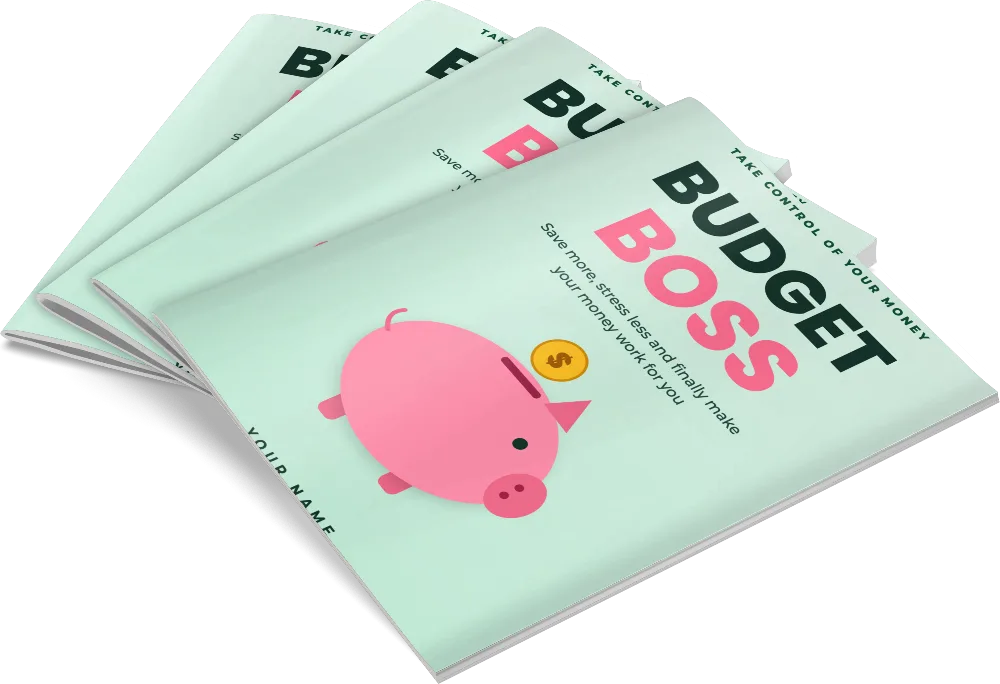
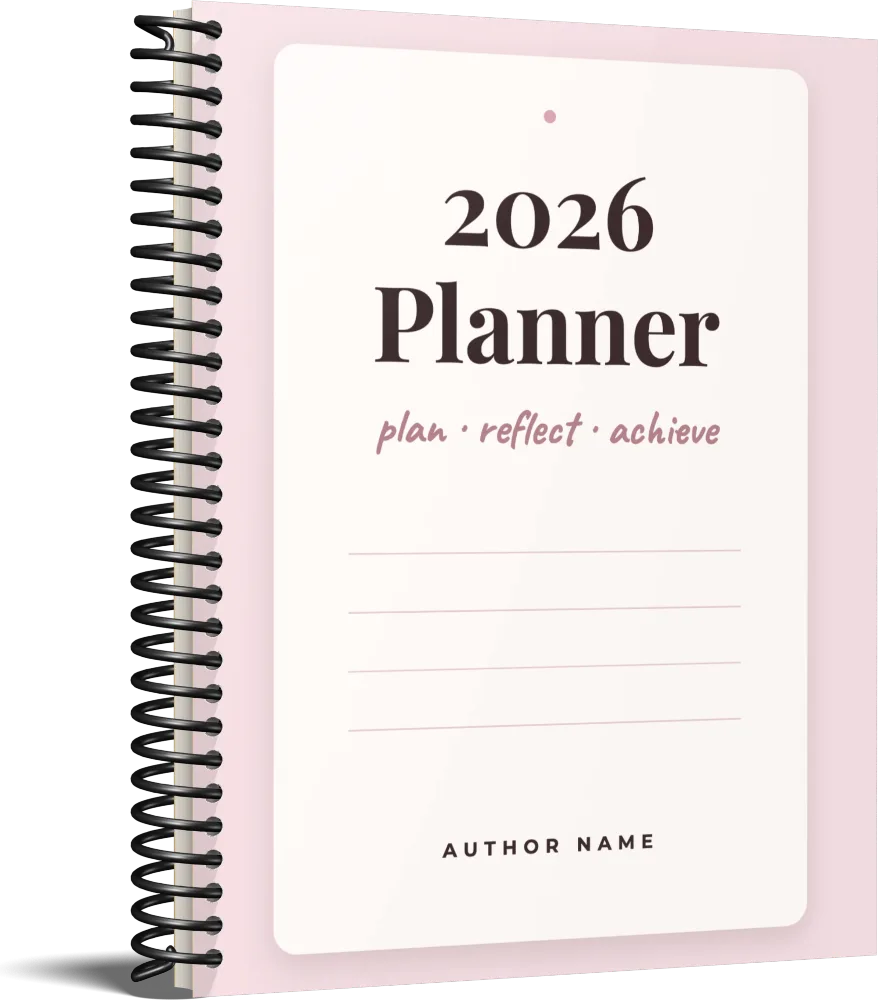
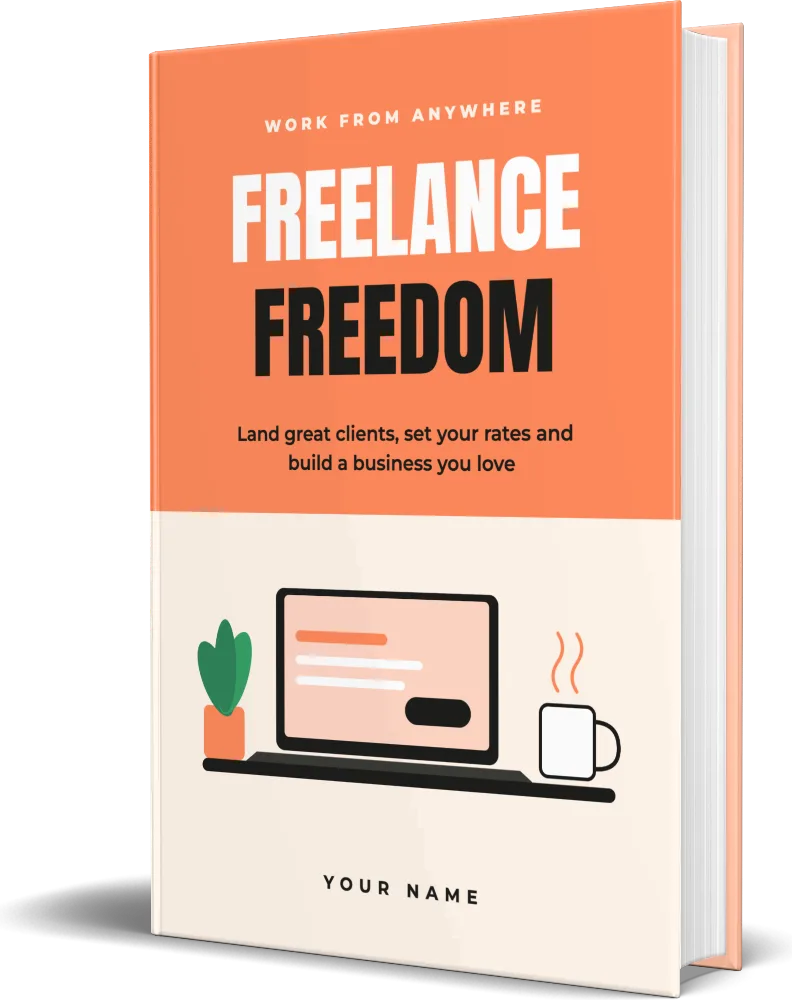
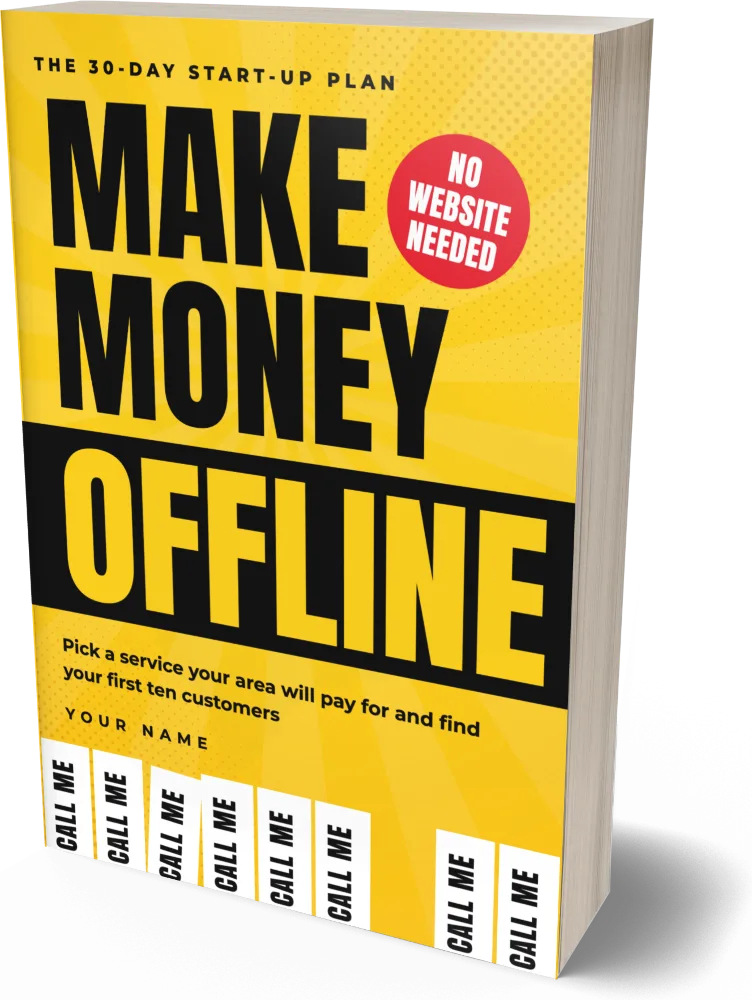
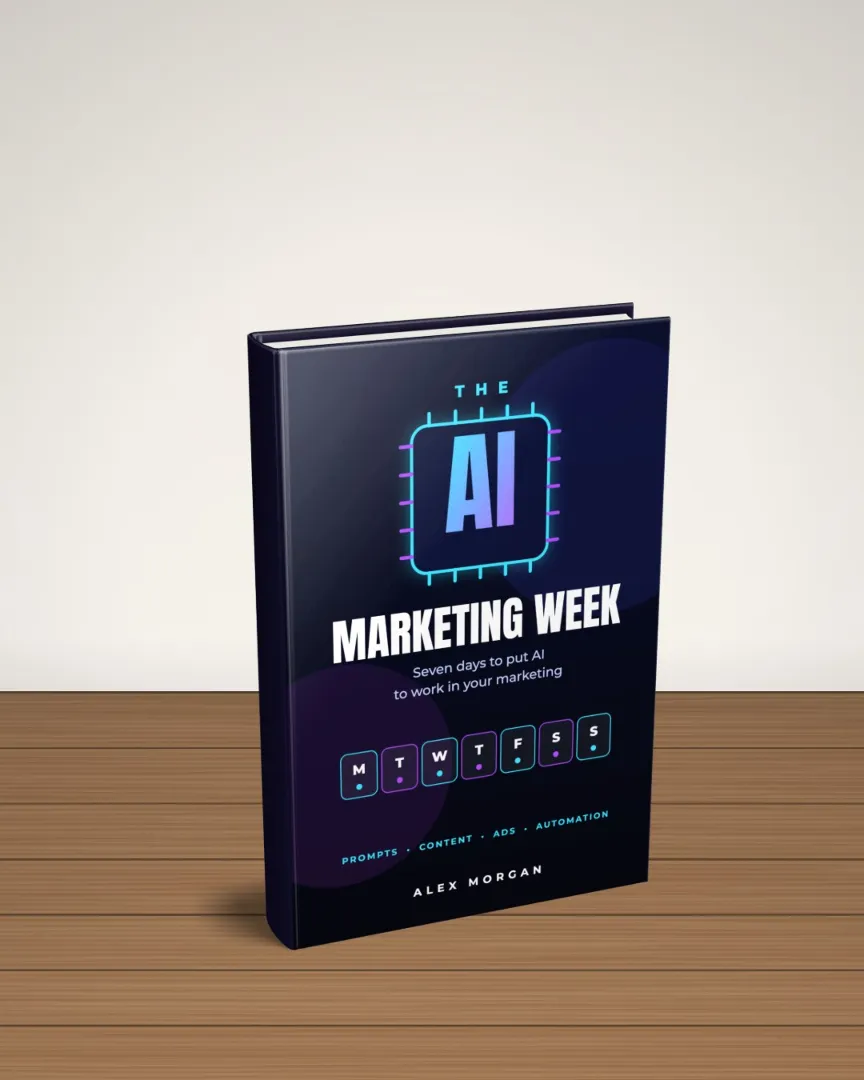


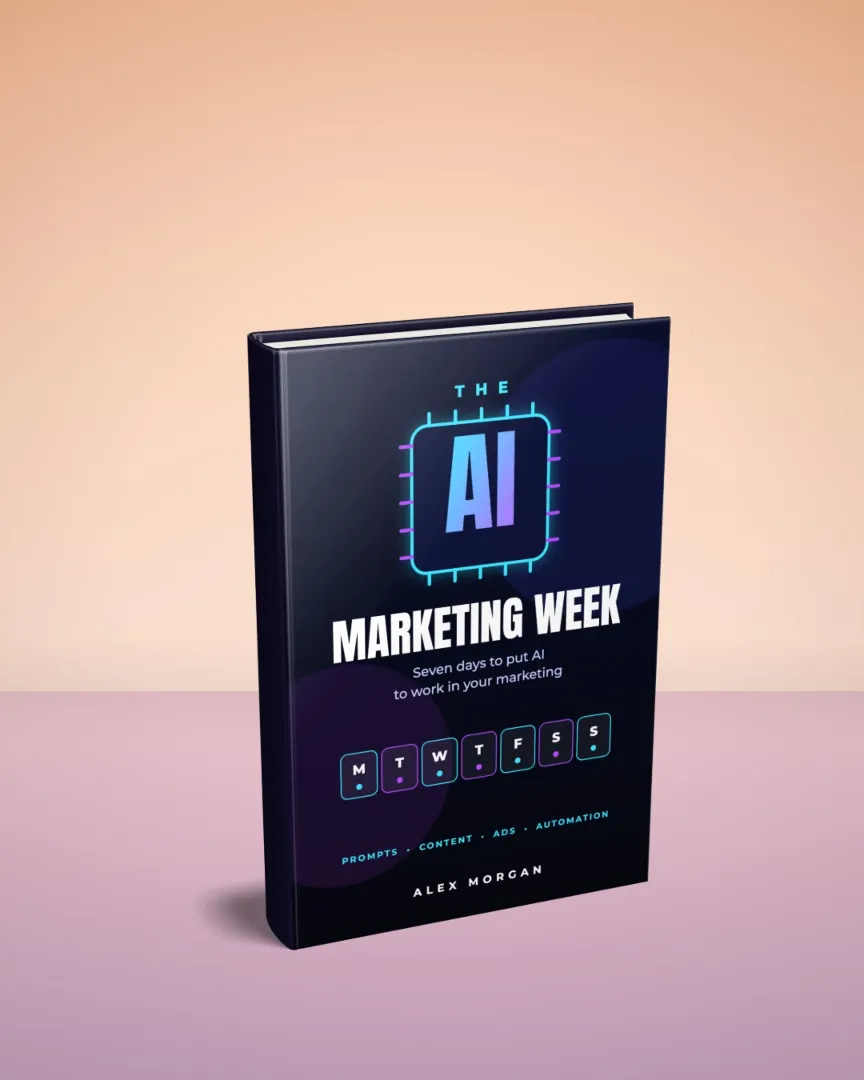

Scenes and backgrounds
Choose a studio scene and the product is placed on it for you, with sliders for its size and height. You can also use your own photo, a plain colour that matches your website, or a transparent background.
Inside pages
Import the PDF of your ebook or workbook and click the pages you want to show. The app places them on an open-book mockup, and it can download every spread of the book as one ZIP for your sales page and listings.
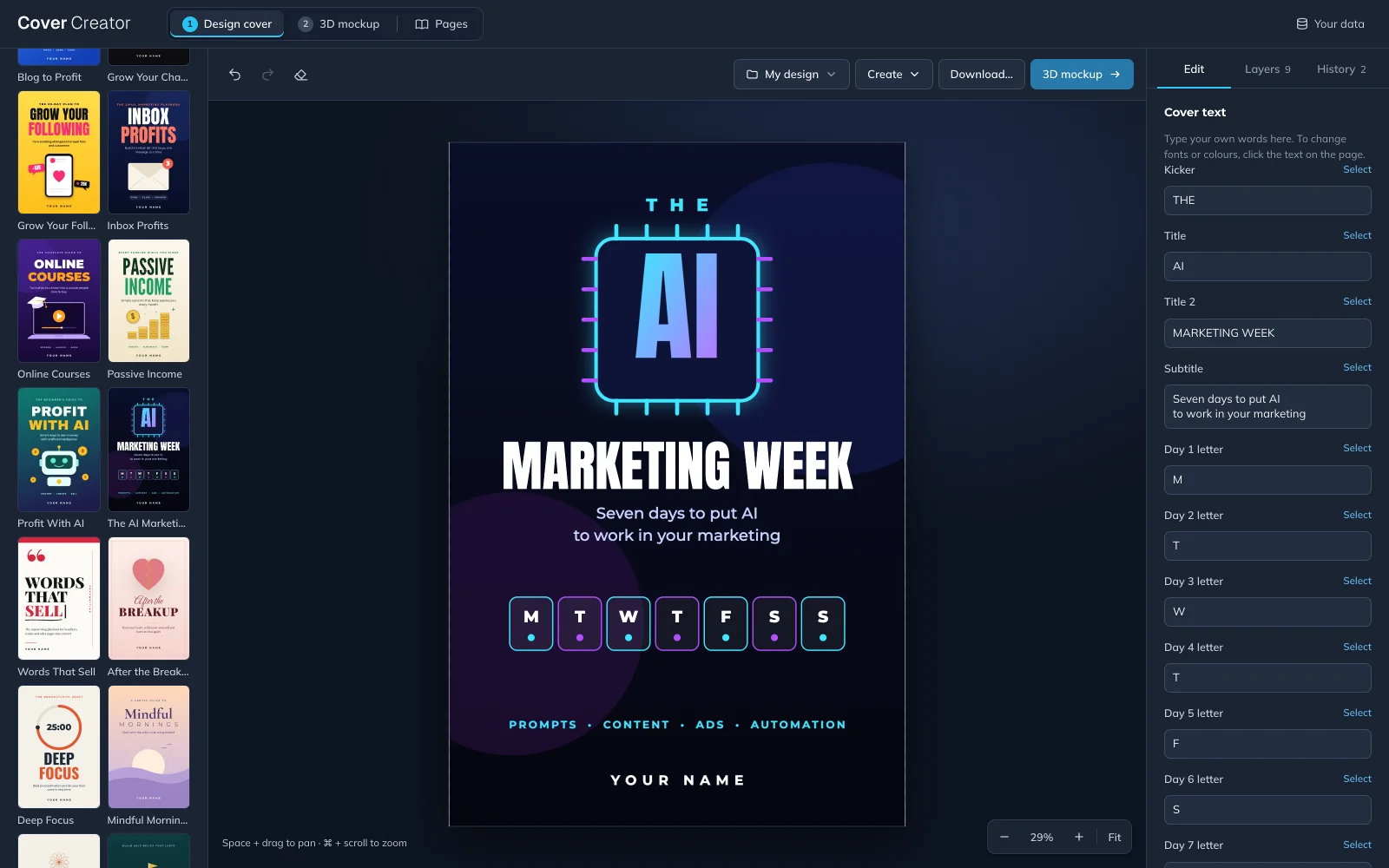
The editor
Type into the cover text form and the design updates as you go, or click any element to change its font, colour and position. Layers, history and undo are always one click away, and autosave keeps every design in your browser.
What our users say
Just wanted to thank you for the excellent piece of app. I'm not very good at graphic design and stuff like that, so having this app on hand was immensely helpful to increase my sales conversion. I know that good covers don't lie :)
Just wanted to thank you for creating such a useful program that is available for such a low price. I'm just starting out and really don't have a large budget, so this is a great help.
By following your step-by-step video I was able to create some stunning looking covers for all of my ebooks in just a few clicks!
Pricing
Cover Creator is included with an InDigitalWorks Lifetime Gold membership, which also gives you the full library of 12,000+ products for one payment. A version of the app on its own is coming soon.
The app on its own
Coming soon
Available today with the InDigitalWorks Lifetime Gold membership
Whole InDigitalWorks library (over 12,000+ PLR products) + Cover Creator
$197$97 one payment
30-day money-back guarantee
FAQ
Yes. The covers and mockup images you make are yours to use on your own products and on products you make for clients, including ones you sell.
Yes. Cover Creator runs in any modern browser, such as Chrome, Safari, Firefox or Edge, on Mac, Windows and Linux. Tablets work too, although a computer with a mouse is easier for detailed editing.
No. The old InDigital Cover needed the Flash plugin, but the new app runs entirely in your browser, so you open it and start designing.
In your browser, on your own computer, and they save automatically as you work. Nothing is uploaded. To keep a backup or move a design to another computer, use Save as file, which gives you a single .idw file you can open again later.
In the 3D mockup tab, choose Transparent under Background and download a PNG. Image packs can also include a transparent cut-out of every size.
Yes. Export your cover as a PNG or JPG and drop it into the 3D mockup tab, and every mockup uses it straight away.
Any size you need, plus ready-made presets for Kindle covers, Etsy listing photos, Gumroad and Payhip covers and square shop images. Covers can also be saved as a 300 DPI print PDF.
Yes. Cover Creator is one of the member bonuses, so you'll find it with your other bonuses in the members area.
Ready when you are
Pick a template, add your title and download a 3D mockup for your sales page today. If it isn't right for you, ask for a refund within 30 days and you get every cent back.